Troubleshooting and Logs
Solo includes professional diagnostic tools for analyzing internal behavior and facilitating the resolution of bugs or complex network issues.
Diagnostic Analysis
Section titled “Diagnostic Analysis”In case of unexpected behavior (e.g., crashes or request sending errors), Solo records every relevant event in its internal logs.
Recorded Events
Section titled “Recorded Events”- Network Errors: Details on failed TLS handshakes or DNS timeouts.
- Script Panic: Syntax or logic errors in Lua scripts.
- Git Operations: Full output of Git commands for diagnosing synchronization issues.
- System Status: Disk write errors or insufficient permissions.
Exporting for Support
Section titled “Exporting for Support”When reporting a bug, we recommend sending a complete diagnostic package.
-
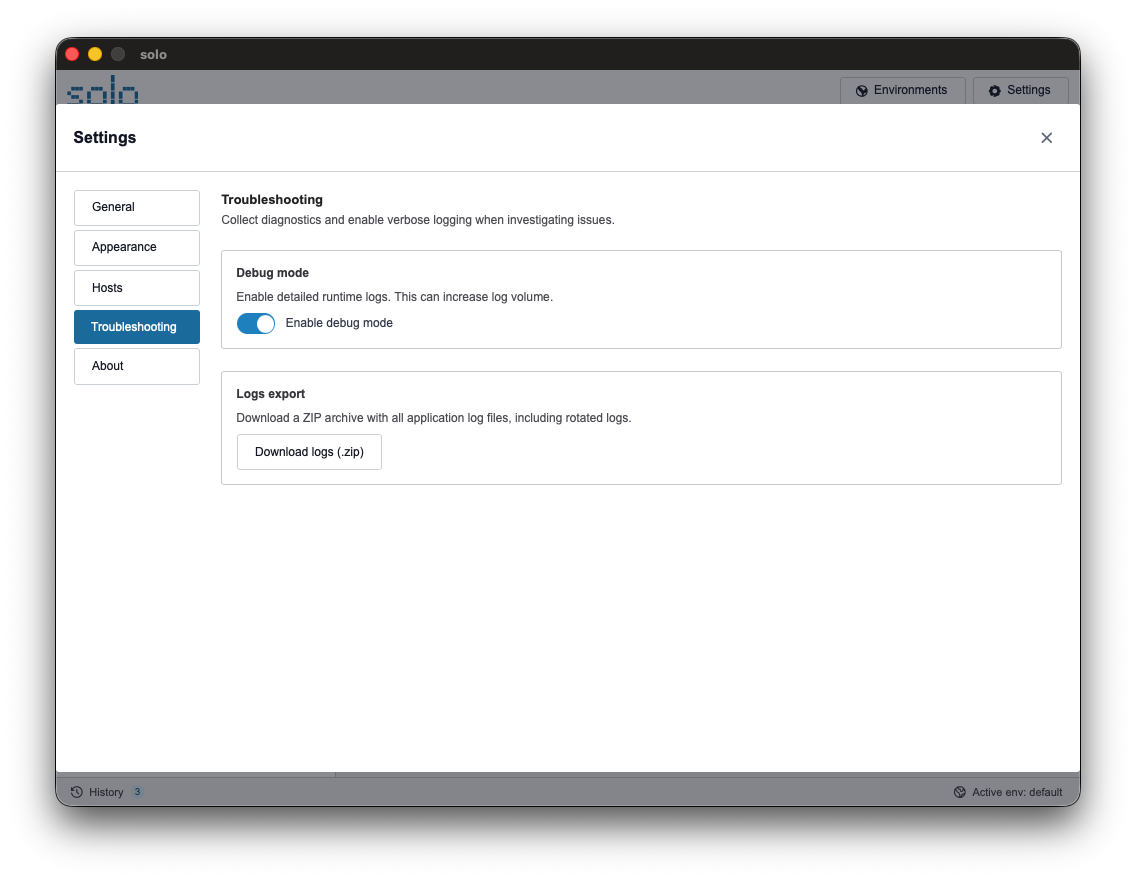
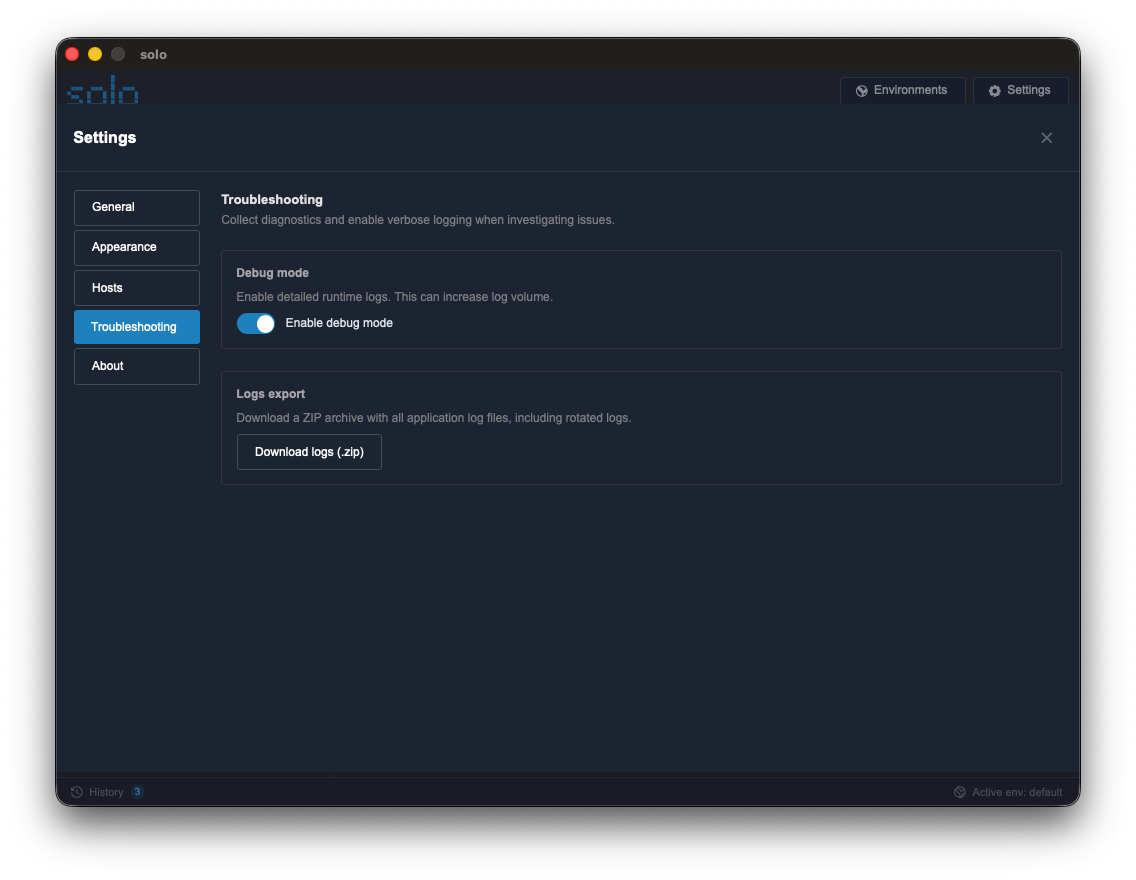
Settings: Open the settings panel.
-
Troubleshooting: Navigate to the “Troubleshooting” section.
-
Generate Archive: Click the “Download logs (.zip)” button.
-
Save File: Select a folder on your local computer. Solo generates a ZIP file containing recent logs, ready to be attached to a report or an Issue on GitHub.
Debug Mode
Section titled “Debug Mode”If further details are needed, you can activate Debug Mode.
- Functionality: Increases log verbosity by recording every internal operation, including technical details of the data exchange between frontend and backend.
- Use Cases: To be used upon request from technical support or while developing complex Lua scripts to view every intermediate step.
Common Issues and Quick Solutions
Section titled “Common Issues and Quick Solutions”| Issue | Possible Cause | Solution |
|---|---|---|
| App won’t start | Corrupt configuration file. | Rename the ~/.solo folder to allow it to be regenerated. |
| Empty Logs | Newly installed app. | Run requests or operations to generate activity. |
| Git Sync Fails | SSH credentials not found. | Verify that ssh-agent is active and contains the necessary key. |
| Script Error 500ms | Infinite loop in Lua. | Check script logic to avoid infinite loops. |