General Settings
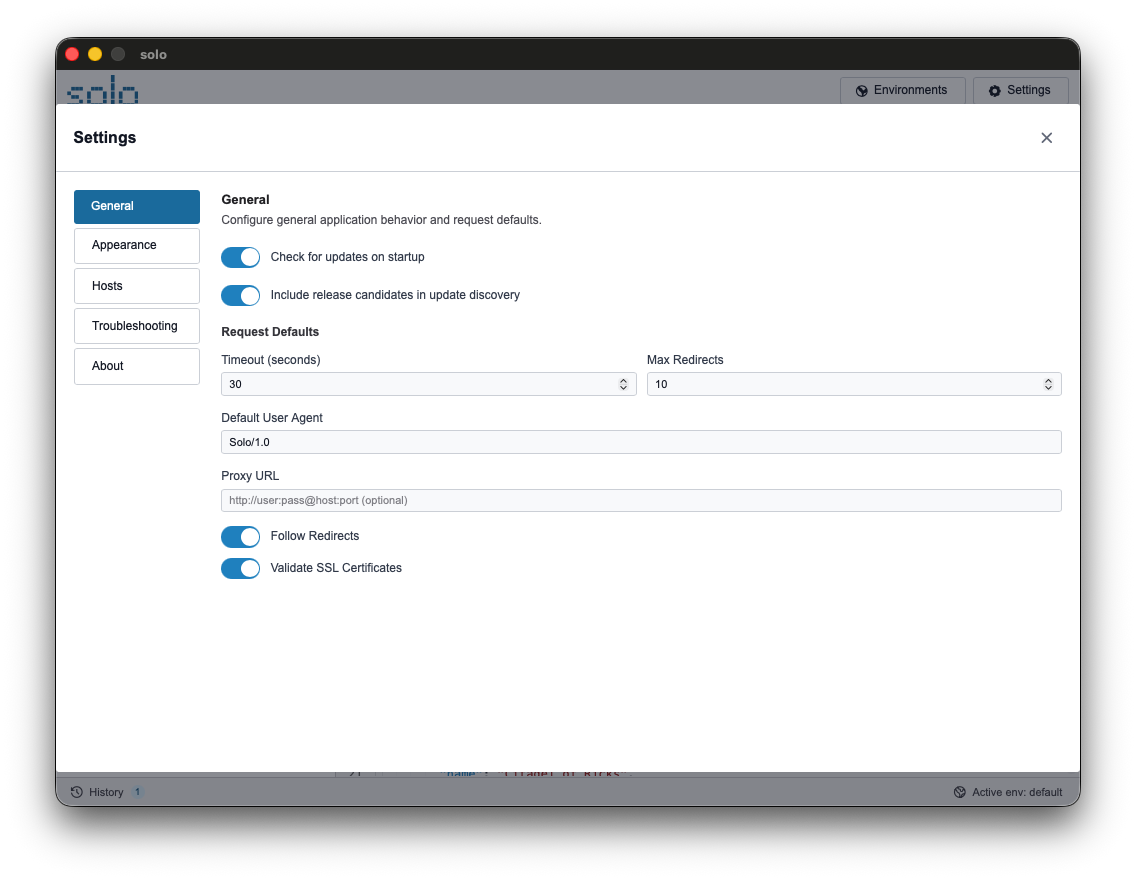
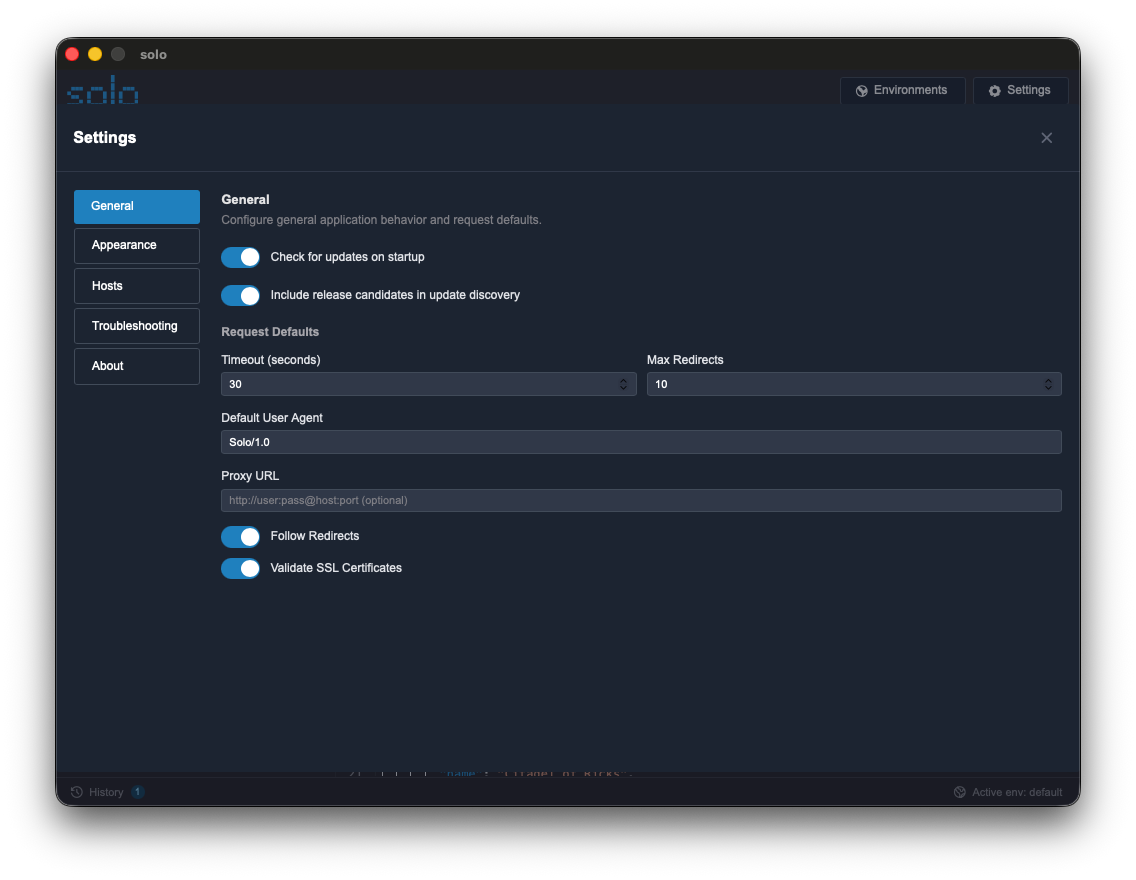
This section covers the basic settings that govern the internal operation of Solo, accessible via the “General” tab in the Settings panel.
Available Parameters
Section titled “Available Parameters”| Setting | Description | Default |
|---|---|---|
| Check for updates | Enables automatic checking for new versions on GitHub at startup. | true |
| Debug Mode | Activates detailed logging for diagnosing technical issues or analyzing scripts. | false |
| Selected Environment | Restores the last selected environment when the application restarts. | (Automatic) |
Modifying Settings
Section titled “Modifying Settings”-
Click the gear icon at the bottom right of the application.
-
Ensure the “General” tab is selected.
-
Toggle options on or off. Solo saves your preferences instantly.