Host Configuration and TLS
Host management is an advanced feature for defining network rules specific to certain domains. It is an essential tool for working in protected corporate environments, managing mTLS (Mutual TLS) certificates, or interacting with servers that require a private Certification Authority (CA).
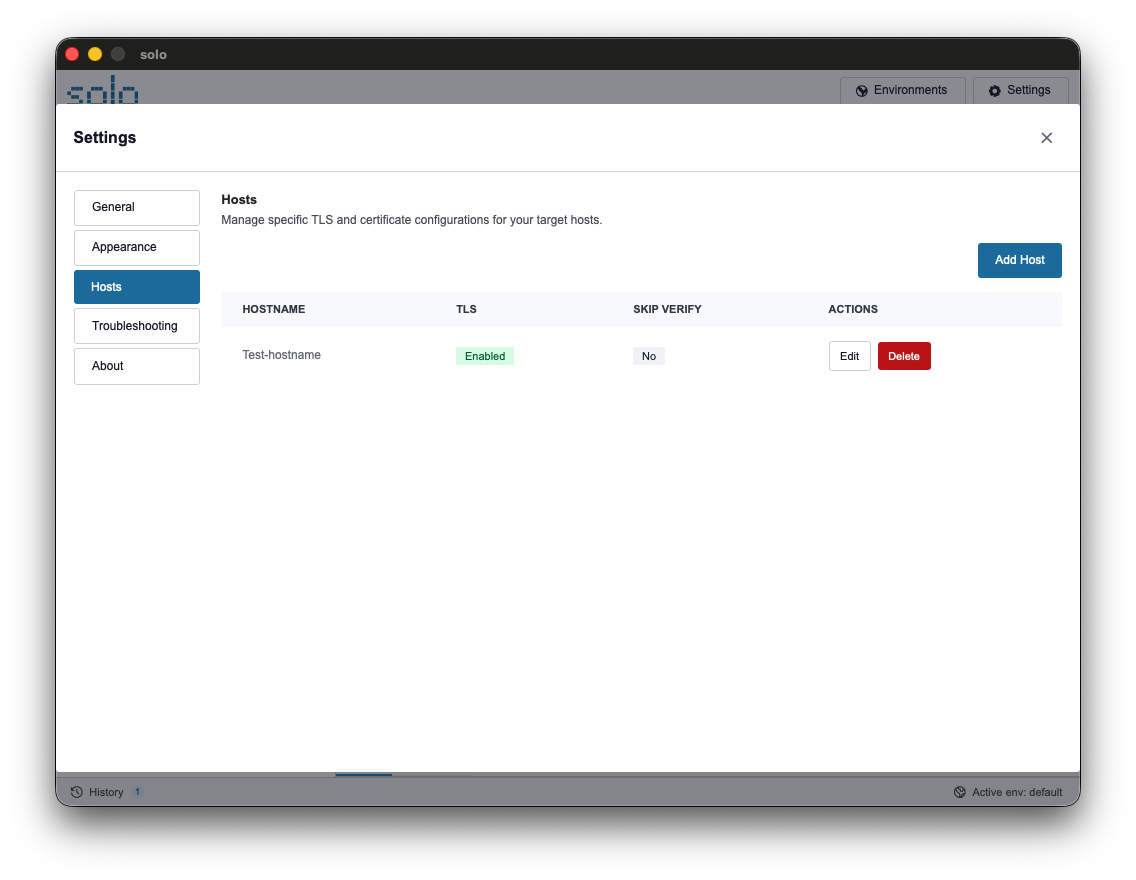
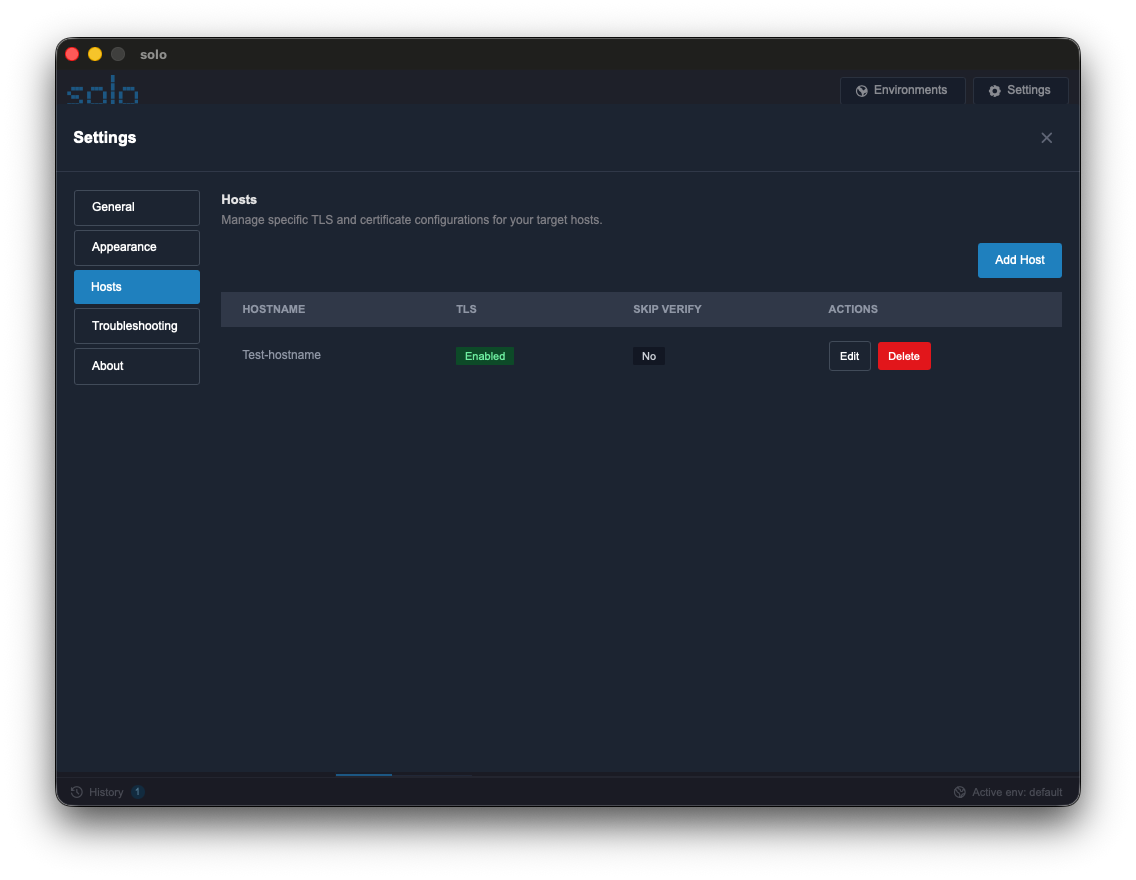
Use Cases for Host Configuration
Section titled “Use Cases for Host Configuration”Creating a Host configuration is recommended in the following scenarios:
- Client Certificates: Requires a certificate (
.crt) and private key (.key) for client authentication (mTLS). - Private CAs: Using internal servers with certificates not recognized by the operating system.
- Local Development: Need to ignore security errors for servers with self-signed certificates.
- Persistent Cookies: Automatically send specific cookies with every request to a specific domain, without the need for repeated manual entry.
How Network Automation Works
Section titled “How Network Automation Works”Configuring a Host enables the following automations:
- Automatic Detection: Every time a request is sent, the URL is checked against configured Hosts to immediately apply rules.
- Transparent Injection: Presents the client certificate during the SSL handshake and injects cookies into HTTP headers without manual intervention.
- Isolation: Configurations are limited to the specific host. Rules for
api.sviluppo.localdo not interfere with calls to other domains.
TLS Configuration Guide
Section titled “TLS Configuration Guide”-
Add a Host: Go to Settings > Hosts and click “Add Host”. Enter the domain (e.g.,
api.azienda.it). -
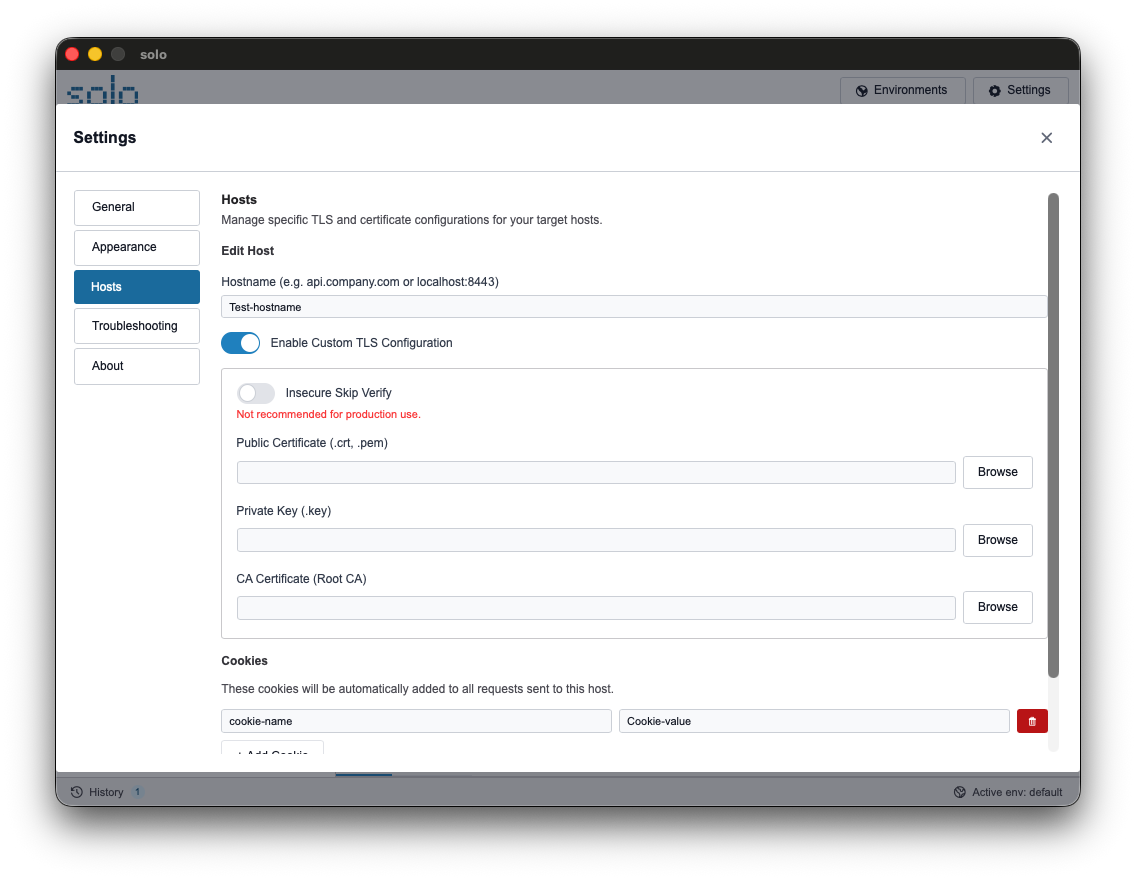
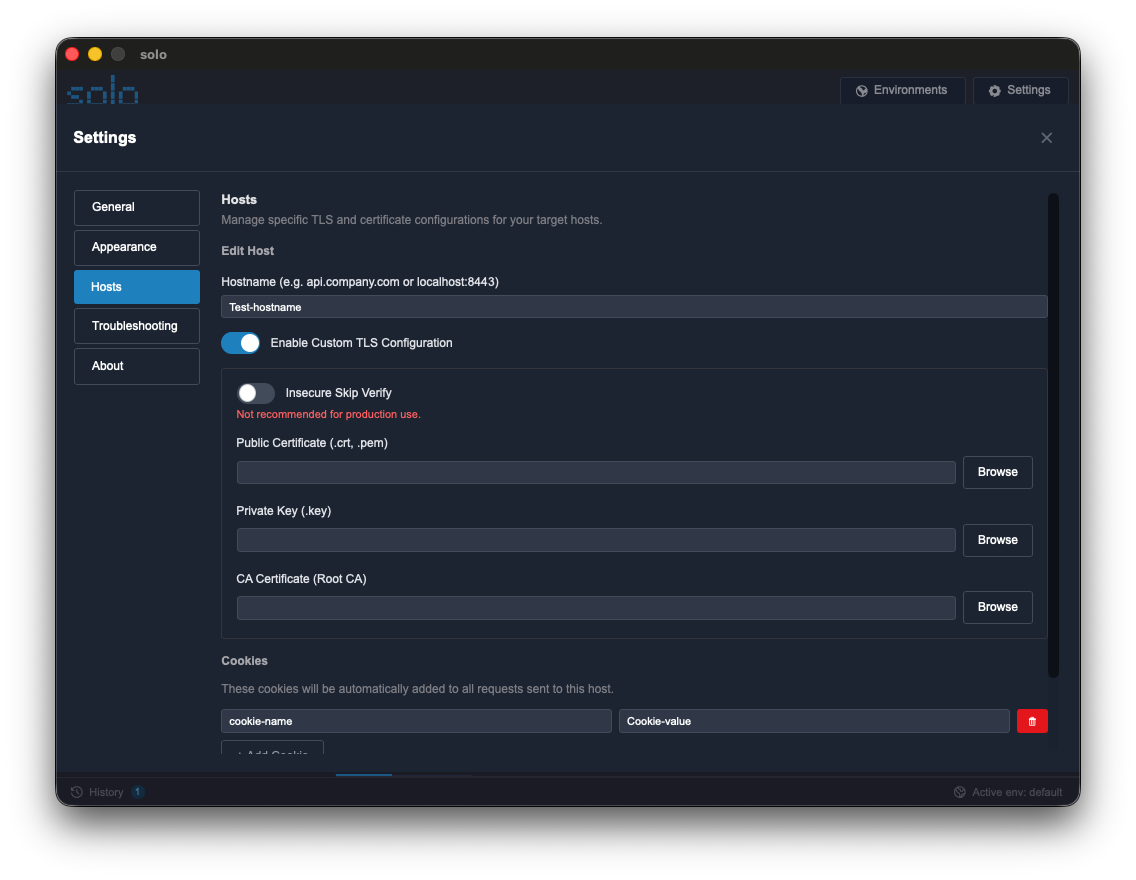
Enable TLS: Toggle “Enable Custom TLS Configuration”.
-
Upload Files: Use the “Browse” button to select the public certificate and private key.
-
Custom CA: Upload the Root CA file to allow Solo to verify the server.
-
Save: Click “Save Host”. Future requests to the domain will use the saved configuration.
Configuration Specifications
Section titled “Configuration Specifications”| Option | Description | Typical Use |
|---|---|---|
| Insecure Skip Verify | Ignores server certificate validation. | Local development environment. |
| Client Certificate | .crt or .pem file provided by the administrator. | mTLS Authentication. |
| Client Key | .key file associated with the client certificate. | mTLS Authentication. |
| Root CA | Certificate file of the Certification Authority. | Internal corporate servers. |
| Host Cookies | List of keys and values sent automatically. | Legacy persistent sessions. |