Environments & Variables
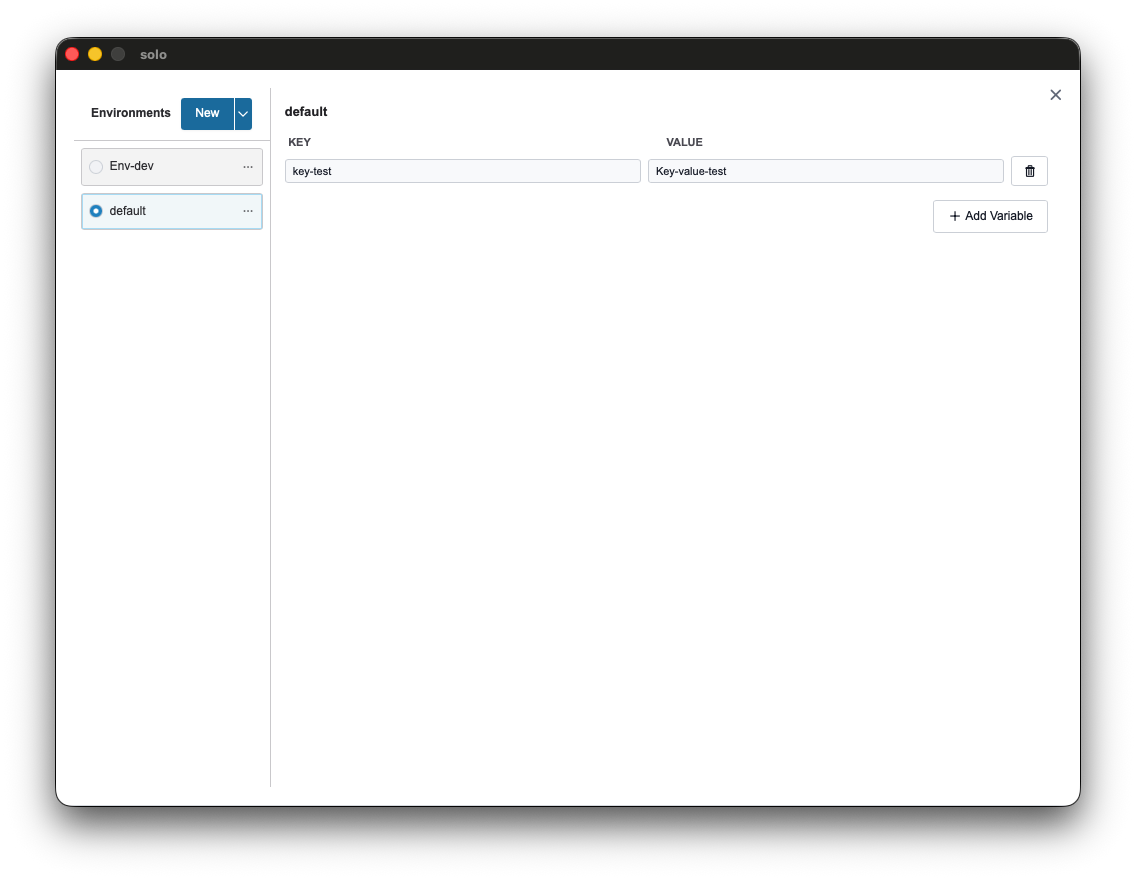
Environments and the variable system allow for the management of dynamic configurations (e.g., base_url, api_key) that can be applied across collections. This approach ensures request portability and automatic adaptability to different testing contexts (Development, Staging, Production).
Variable Types and Hierarchy
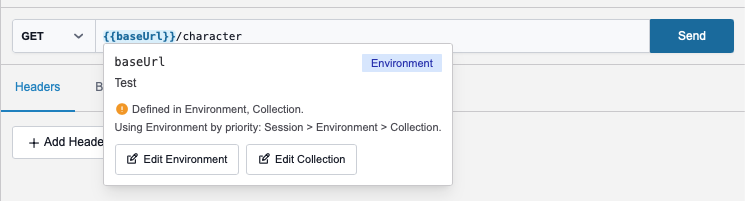
Section titled “Variable Types and Hierarchy”Solo implements a tiered resolution system. When a {{my_var}} placeholder is inserted, the system queries different repositories according to a strict order of priority.
1. Session Variables (Highest Priority)
Section titled “1. Session Variables (Highest Priority)”Temporary variables residing exclusively in the application’s volatile memory.
- Usage: Managing dynamic tokens generated during execution (e.g., via Lua scripts).
- Persistence: Not saved to disk; their validity ends when the session is closed.
- Interaction: Manipulatable via scripts using the
env.set("name", "value")function.
2. Environment Variables
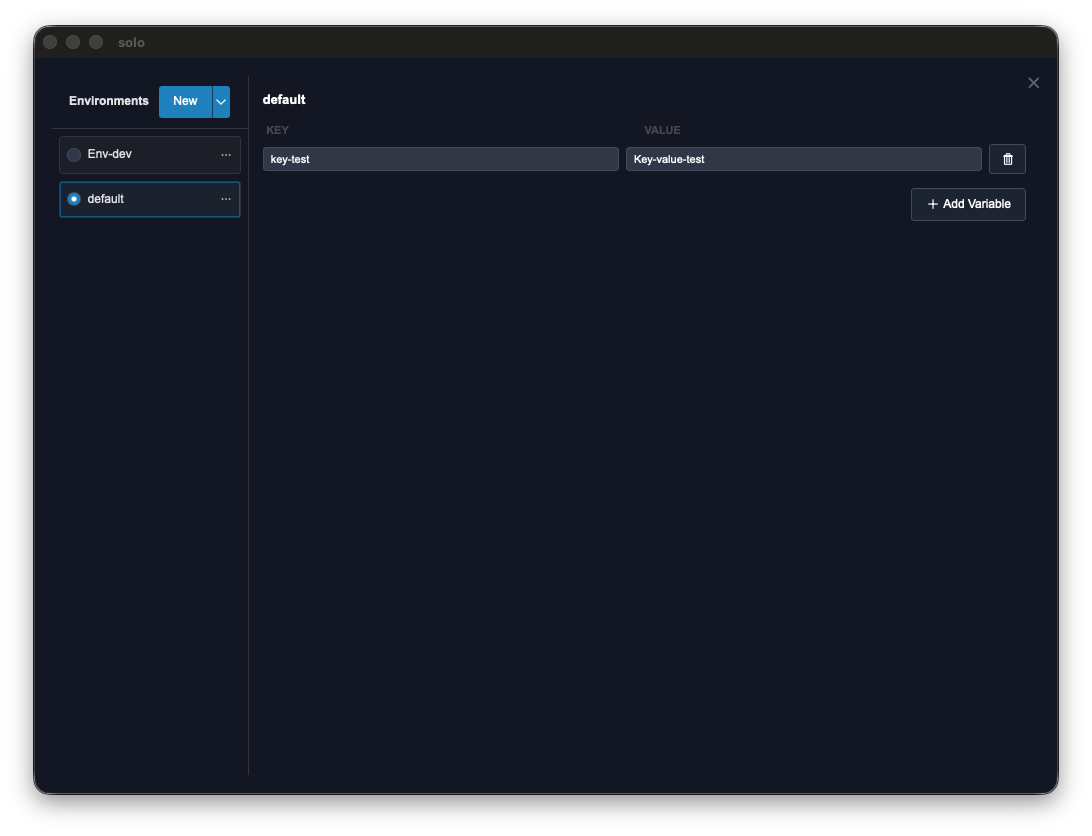
Section titled “2. Environment Variables”Data sets configured within a specific profile that can be selected globally.
- Usage: Defining infrastructure-specific parameters (e.g., host endpoints, database credentials).
- Activation: Selectable via the global selector in the top bar.
3. Collection Variables (Lowest Priority / Fallback)
Section titled “3. Collection Variables (Lowest Priority / Fallback)”Values defined within the structure of an individual collection.
- Usage: Defining default values or constants independent of the operational context.
- Advantages: Included and exported entirely with the collection file.
Using {{variable}} Placeholders
Section titled “Using {{variable}} Placeholders”Placeholders can be inserted into every section of a request: URL, Headers, Query Parameters, and Body.
Real-time Inspection
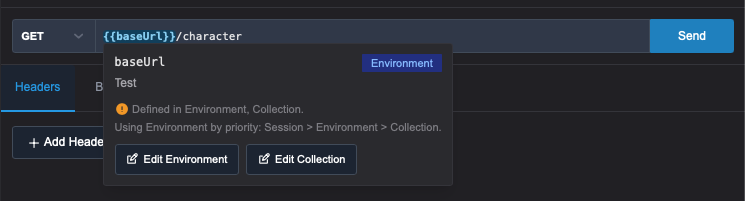
Hovering over a placeholder displays an informational tooltip with the resolved value and its source (Session, Environment, or Collection).
Environment Management and Security
Section titled “Environment Management and Security”The environment management interface distinguishes between two storage modes to preserve data security:
- Initial Value: Persistent value saved to disk, subject to Git synchronization.
- Current Value: Temporary value kept in memory. Ideal for secrets and sensitive keys that you want to avoid versioning.
Integration with Lua Scripting
Section titled “Integration with Lua Scripting”Scripting allows for the automation of session variable lifecycles, facilitating complex authentication flows.
-- Extracting and saving a token to the sessionlocal data = env.json_parse(response.body)env.set("auth_token", data.access_token)A variable set via env.set() immediately becomes available for subsequent calls via the {{auth_token}} placeholder.
Import and Export
Section titled “Import and Export”Solo ensures interoperability with major industry tools through native import of:
- Postman: v2.1 environment JSON files.
- Bruno:
.bruconfiguration files. - Solo Native: JSON format optimized for Solo.