Automation with Lua
Lua Scripting transforms Solo from a simple HTTP client into an automation tool. Using Lua allows you to manipulate requests before sending and validate responses in real-time.
Scripting Phases
Section titled “Scripting Phases”In Solo, logic can be inserted at two points in a request’s lifecycle:
1. Pre-request Script (Before Sending)
Section titled “1. Pre-request Script (Before Sending)”This section is dedicated to data preparation. You can calculate dynamic security signatures (HMAC, SHA256), add custom headers based on the current time, or generate unique IDs (UUID) for transaction tracking.
2. Post-response Script (After Response)
Section titled “2. Post-response Script (After Response)”This section is intended for analyzing results. You can extract tokens or IDs from the response,
run assertion tests (e.g., verifying a 200 status), or log messages to the console for debugging.
Session Variables
Section titled “Session Variables”Session Variables allow communication between requests. Unlike environment variables, which are static and saved to disk, session variables reside exclusively in Solo’s memory and are populated dynamically during testing.
How to Use
Section titled “How to Use”Extracting a value via env.set("my_token", value) in one request allows it to be used as {{my_token}} in any other tab or request in the collection.
Viewing and Management
Section titled “Viewing and Management”You can monitor the session state directly in the builder:
- Access the “Scripts” tab.
- Consult the “Session Vars” list in the editor sidebar.
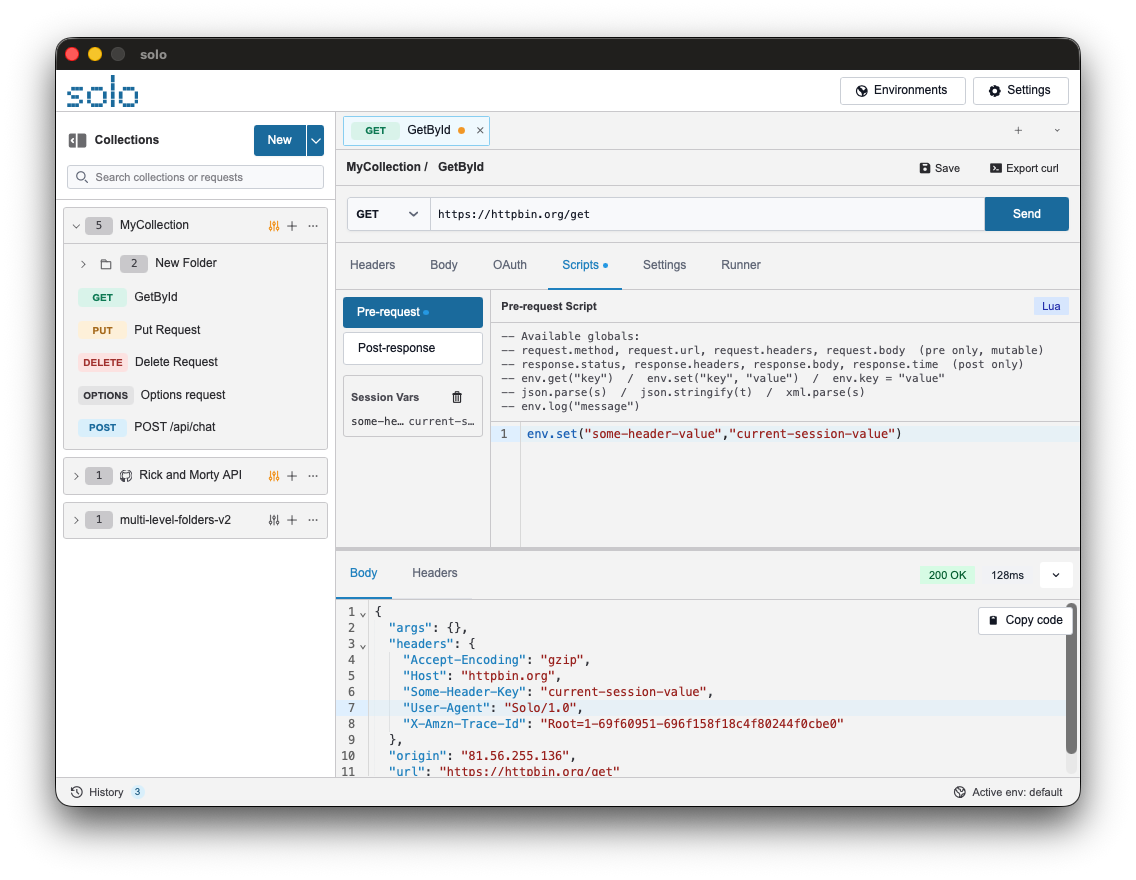
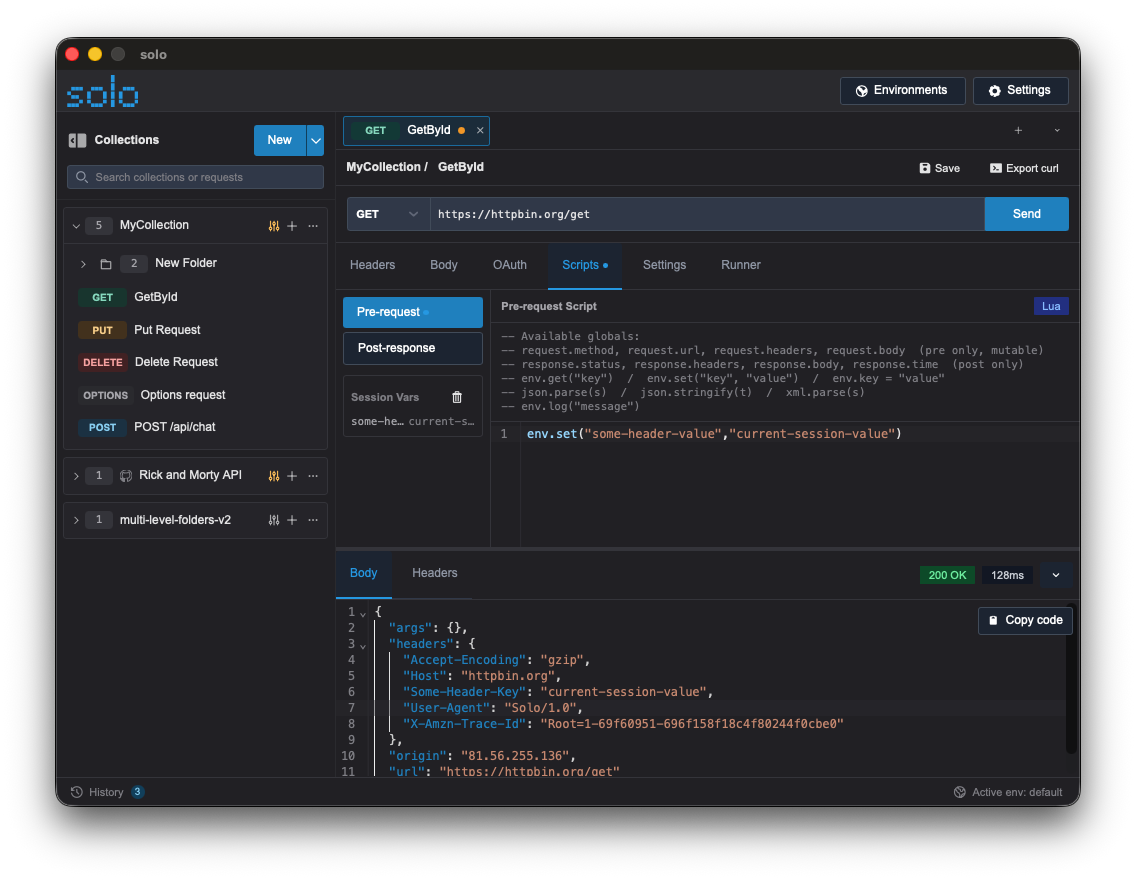
- Reset the session using the “Clear” button next to the header.
Native Libraries Included
Section titled “Native Libraries Included”Solo extends Lua with modules dedicated to common API operations:
| Module | Functionality | Example |
|---|---|---|
env | Variable management and logs. | env.set("key", "val"), env.log("msg") |
json | JSON parsing and generation. | data = json.parse(response.body) |
crypto | Hashing and encoding. | hash = crypto.sha256("test"), crypto.base64_encode("...") |
uuid | Unique identifiers. | id = uuid.v4() |
time | Time and date management. | now = time.now() |
Example: Extracting a Token
Section titled “Example: Extracting a Token”Example of a Post-response script for saving an access token:
-- 1. Convert response body to a Lua objectlocal data = json.parse(response.body)
-- 2. Extract the token from the "access_token" fieldlocal token = data.access_token
-- 3. Save to Solo's session variablesif token then    env.set("auth_token", token)    env.log("Token saved successfully!")else    env.log("Error: token not found in response")end